Install on several phones at once
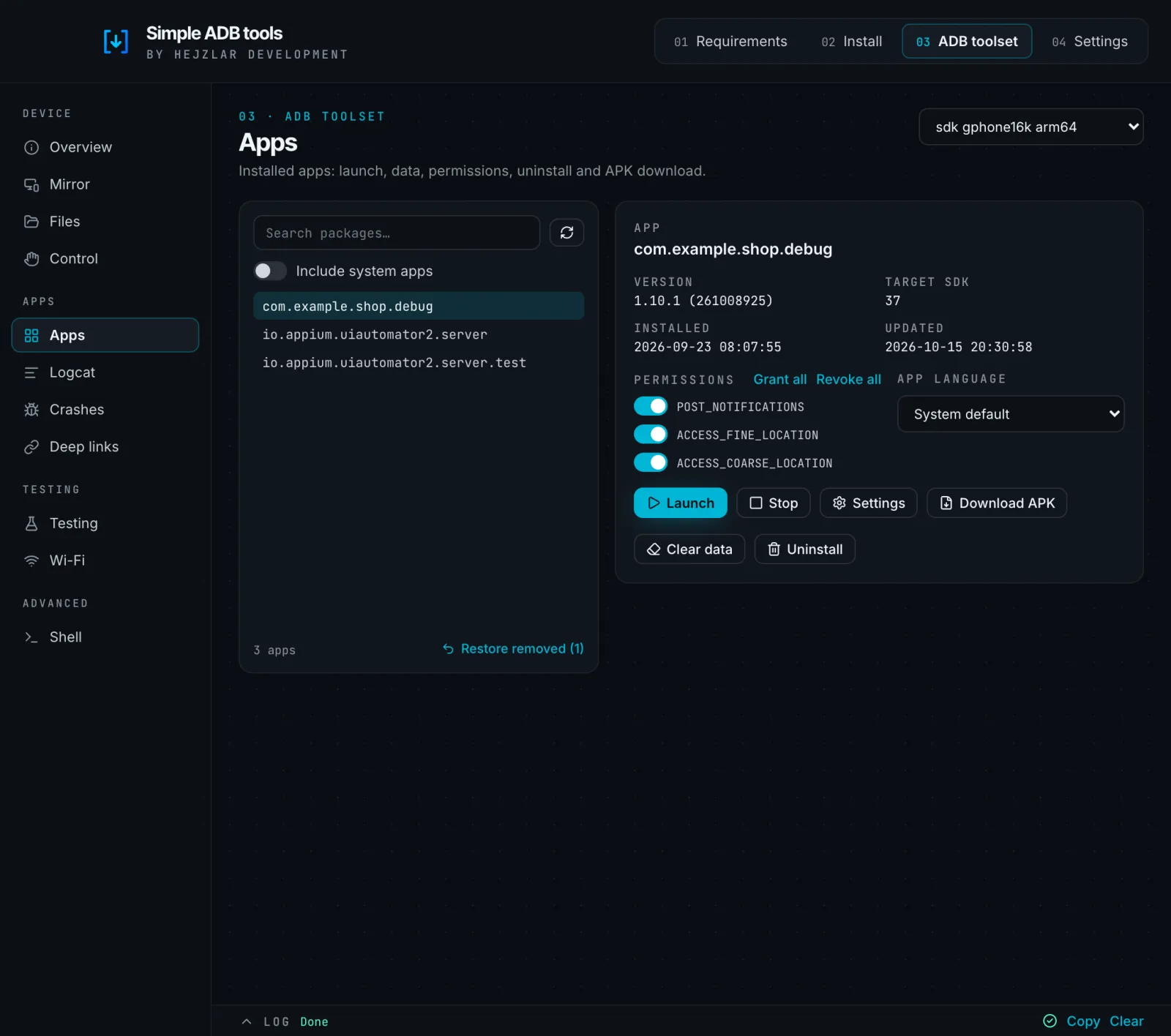
Pick the devices, drop the APK and the installs run in parallel. Afterwards I launch the app, grant its permissions or open logcat.
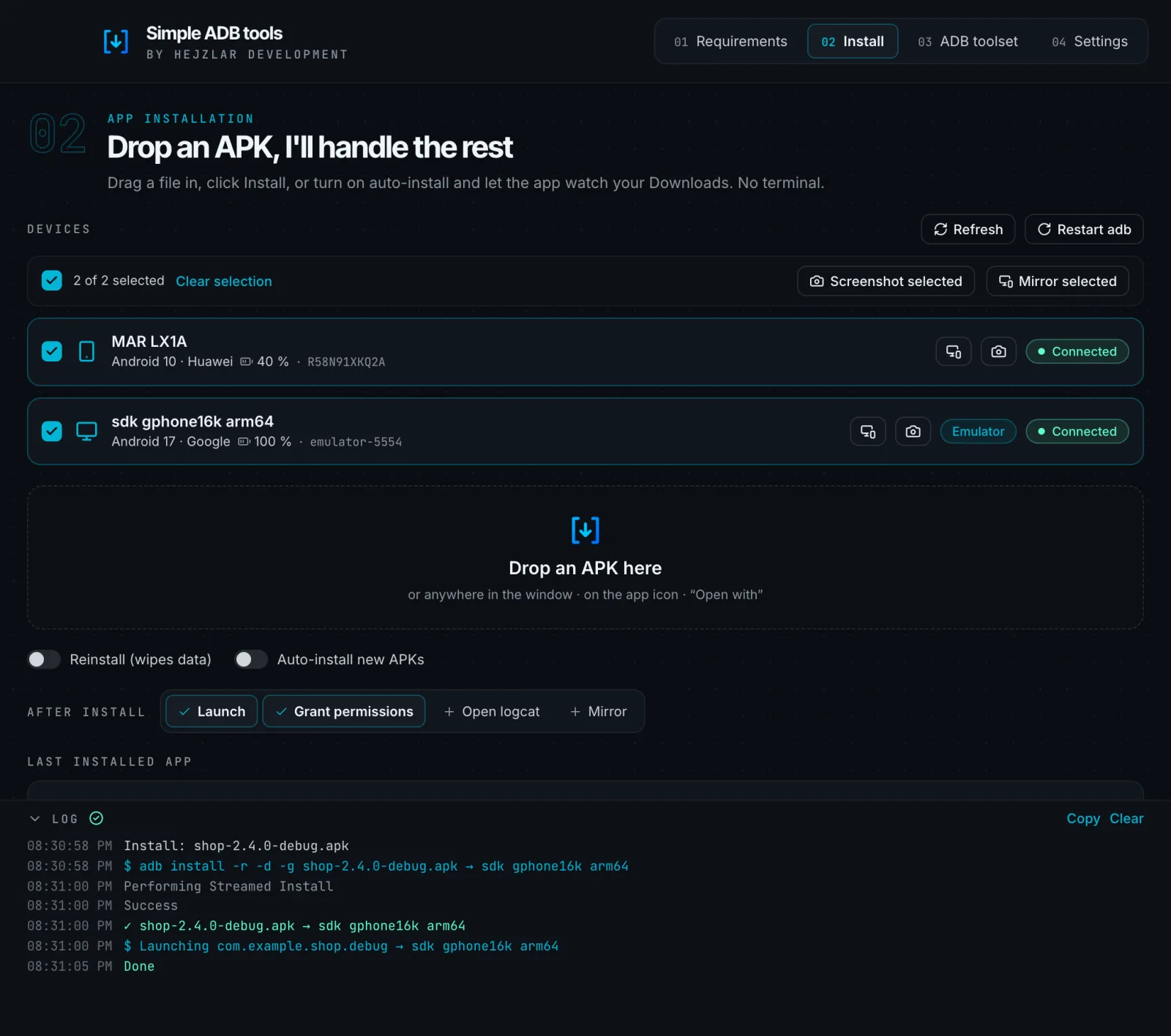
Drop an APK into the window and I'll handle the rest. Installs, logcat, crashes and phone testing without a terminal.
I test mobile apps and install fresh builds from my MacBook onto several phones every day. The same terminal commands over and over, hunting for serial numbers and cables. So I made a window I can simply drop the APK into.
Then came screen mirroring, Wi‑Fi debugging, crash watch, a proxy for Charles, a file manager and deep links. One button grew into a tool I use every day.
Pick the devices, drop the APK and the installs run in parallel. Afterwards I launch the app, grant its permissions or open logcat.
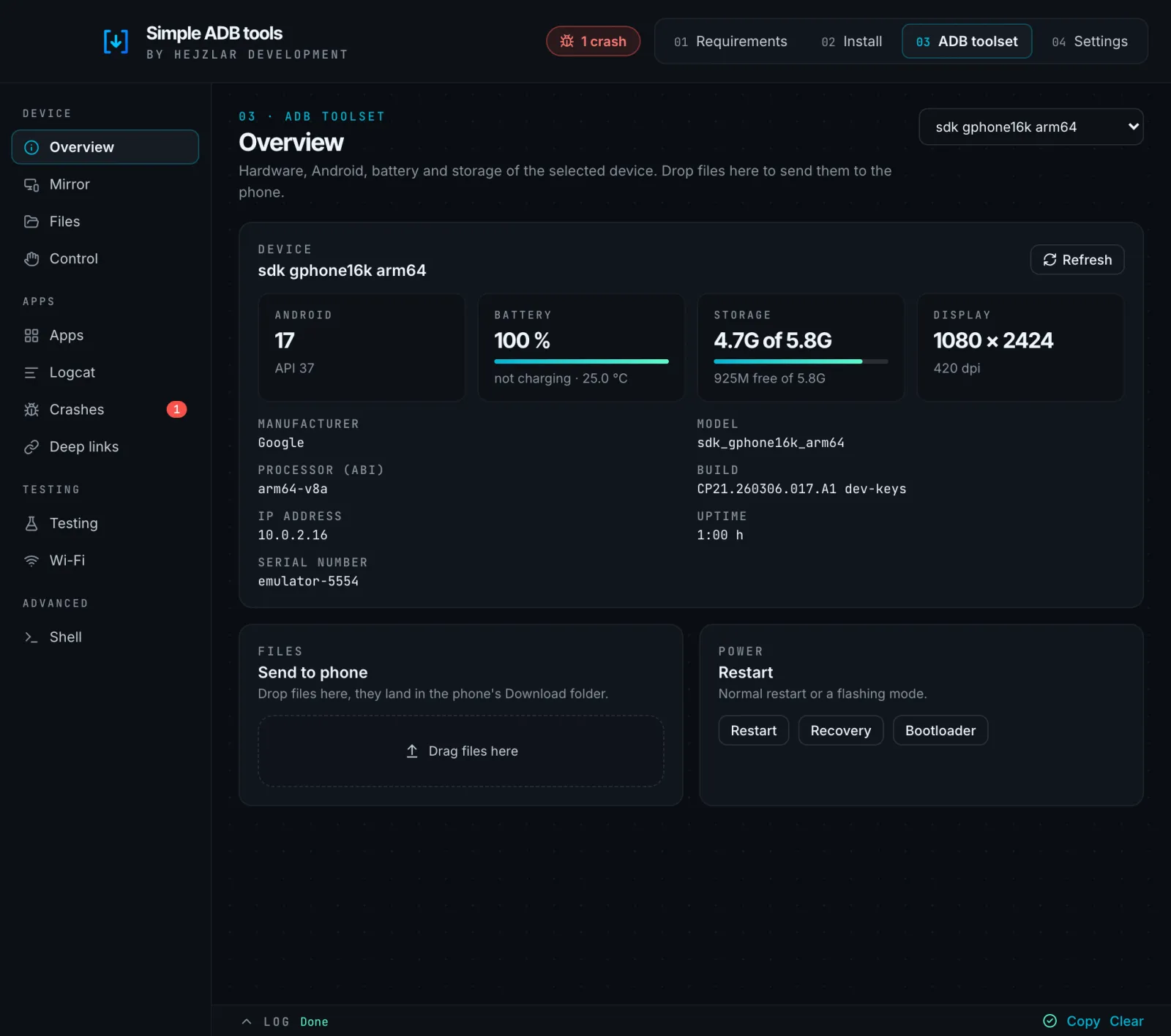
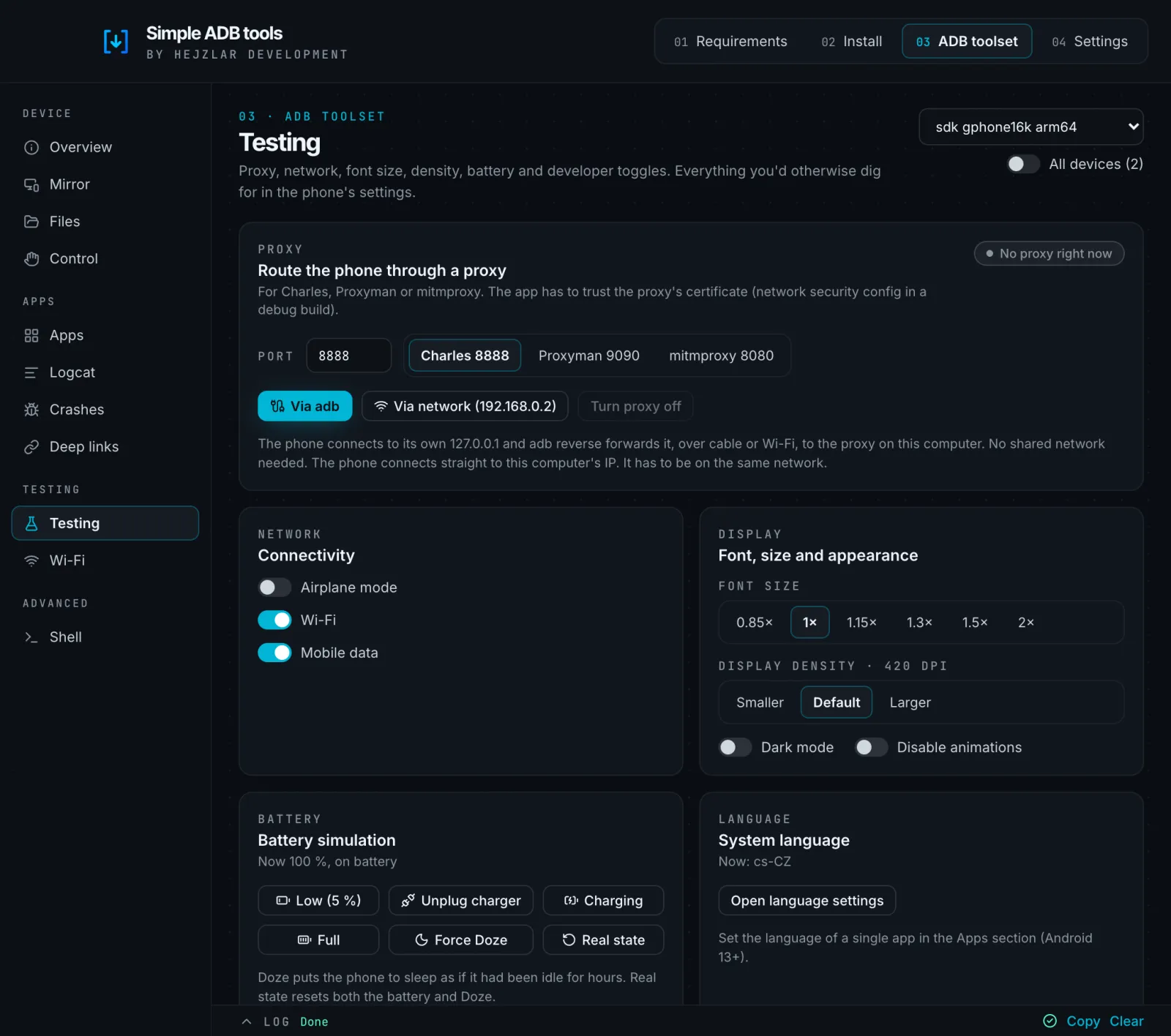
One-click proxy for Charles and Proxyman, airplane mode, font size, display density, battery simulation and Doze.
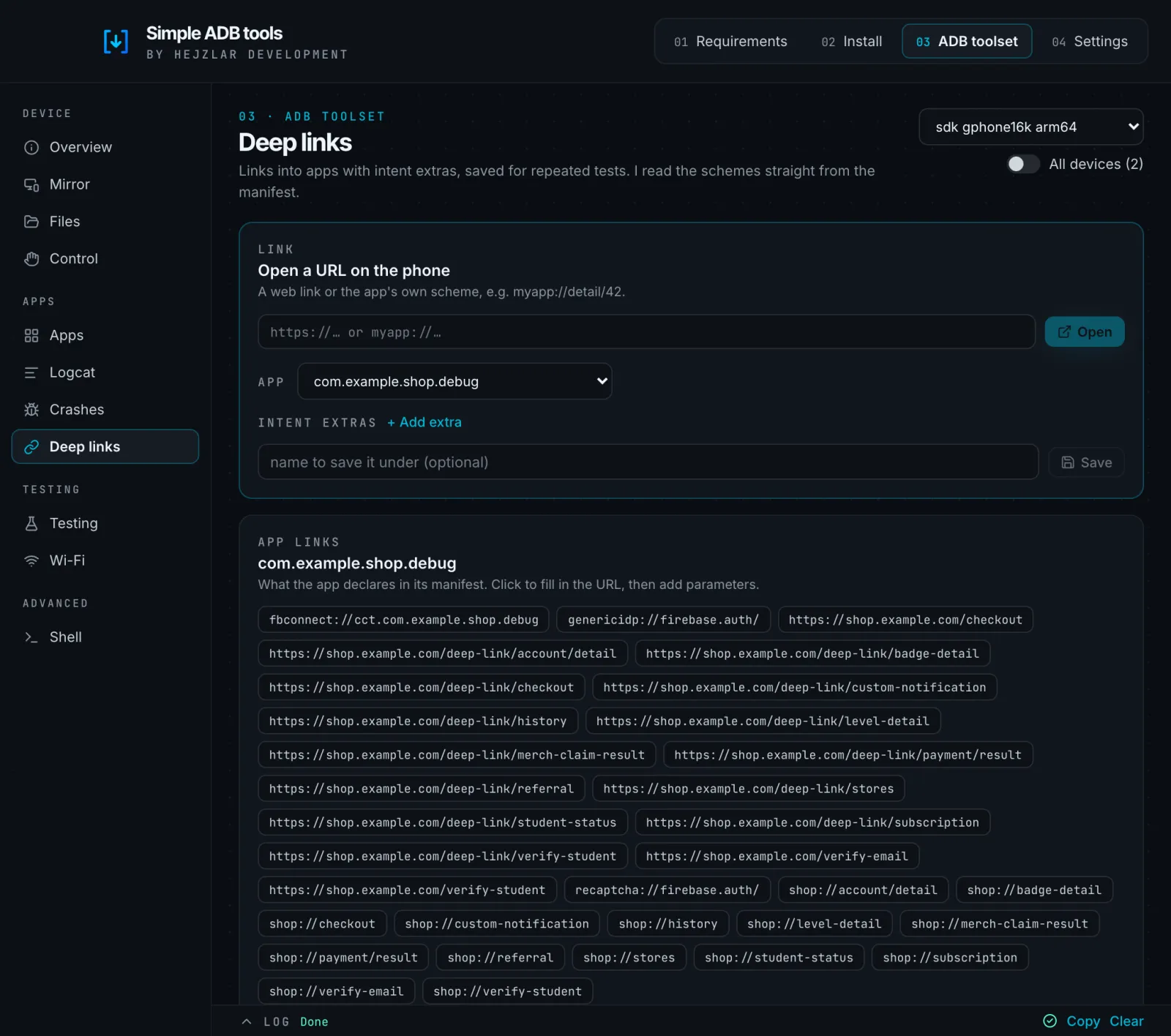
Links with intent extras, saved for repeated tests. I read the app's schemes straight from its manifest.
The phone screen via scrcpy, one-click switch to Wi‑Fi debugging and automatic reconnects.
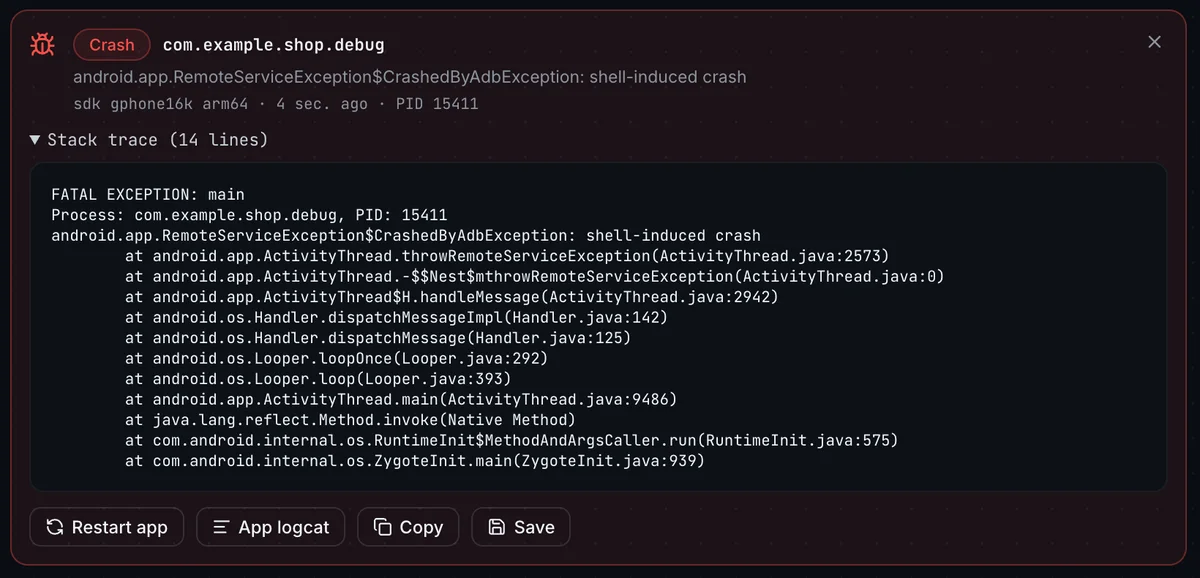
I watch logcat for you. A crash, native crash or ANR shows up with its stack trace and a notification.
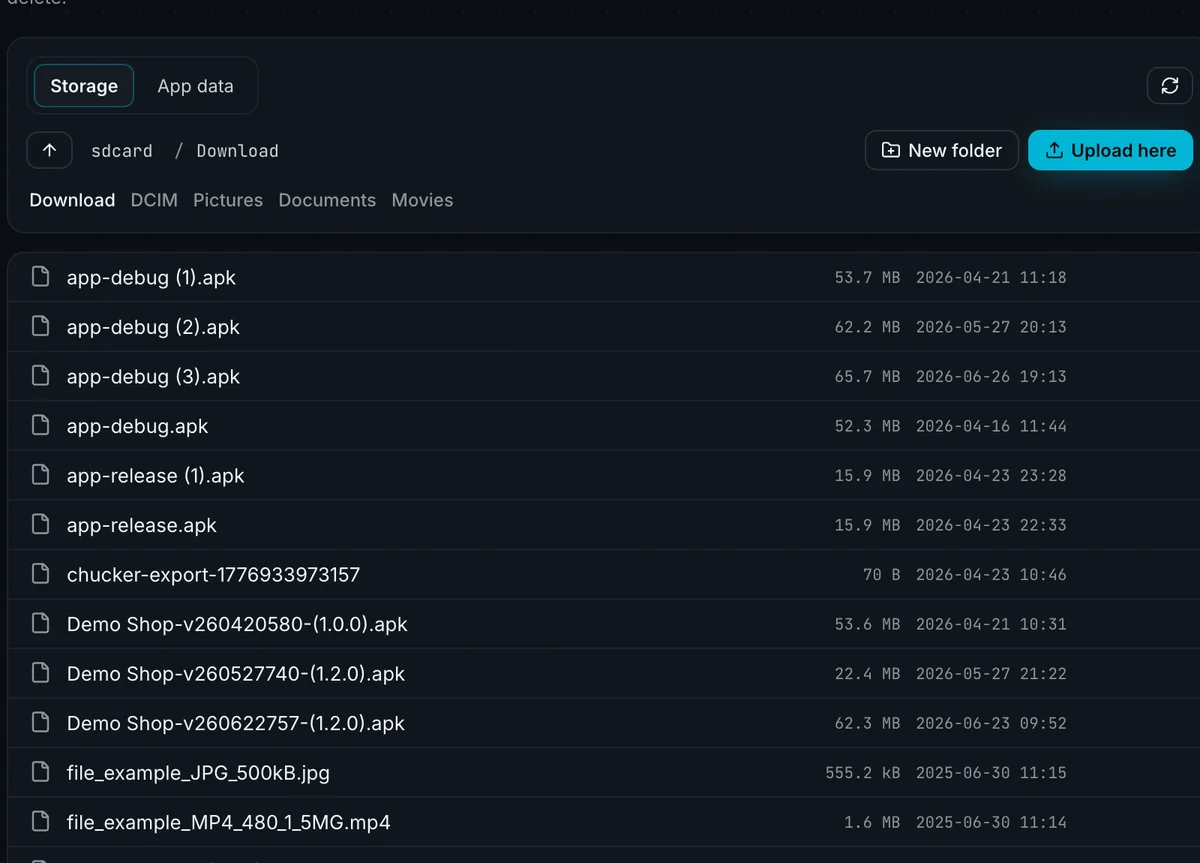
Download, upload by dragging, rename. For debug builds even databases and SharedPreferences via run-as.
Simple ADB tools is built AI-first. Most of the code is written by Claude Code from my briefs. I decide what the app should do, review the changes and try every feature on a real phone and an emulator before I release it.
_aarch64.dmg
Download
_x64.dmg
Download
_x64-setup.exe
Download
The app updates itself from then on. It downloads adb, aapt2 and scrcpy from their official sources, so you don't need Android Studio.
On macOS open it the first time via System Settings → Privacy & Security → Open Anyway, on Windows via More info → Run anyway.
The code is on GitHub. Report a bug, suggest a feature or send a pull request. The app collects no telemetry.
Source code
Simple ADB tools is free. If it saved you a few minutes with adb, you can buy me a coffee.
Donate via PayPalYes. No ads, no subscription and no tracking. The code is open source under the GPL-3.0 license.
No. The app finds adb on your computer, and if it's missing it downloads adb, aapt2 and scrcpy from their official sources.
Yes. Emulators show up as regular devices, and phones can be switched to Wi‑Fi debugging, including pairing on Android 11 and newer.
The app isn't signed with a paid Apple certificate yet. Open it the first time via System Settings → Privacy & Security → Open Anyway.
English and Czech. It follows your system language and you can switch it in Settings.